15 Men’s Study Room Ideas for Peak Productivity
I spent three years trying to get work done on a sagging IKEA chair and a desk that wobbled every time I typed. It was a disaster for my focus and even worse for my lower back. Most guys treat their study area as an afterthought, throwing a laptop on whatever flat surface is available, but if you want to actually get things done, you need a dedicated grind station. Building a productive environment isn’t about buying expensive decor; it’s about choosing the right tools that remove friction from your workflow. This guide is part of my larger breakdown on The Ultimate Guide to Men’s Dorm Room Ideas: A Practical Blueprint, where we look at the total room ecosystem, but today we’re focusing strictly on where the work happens.
✨ Before You Start: The Grind Station: 15 Men’s Study Room Ideas for Peak Productivity Mindset
The Ergonomic Foundation
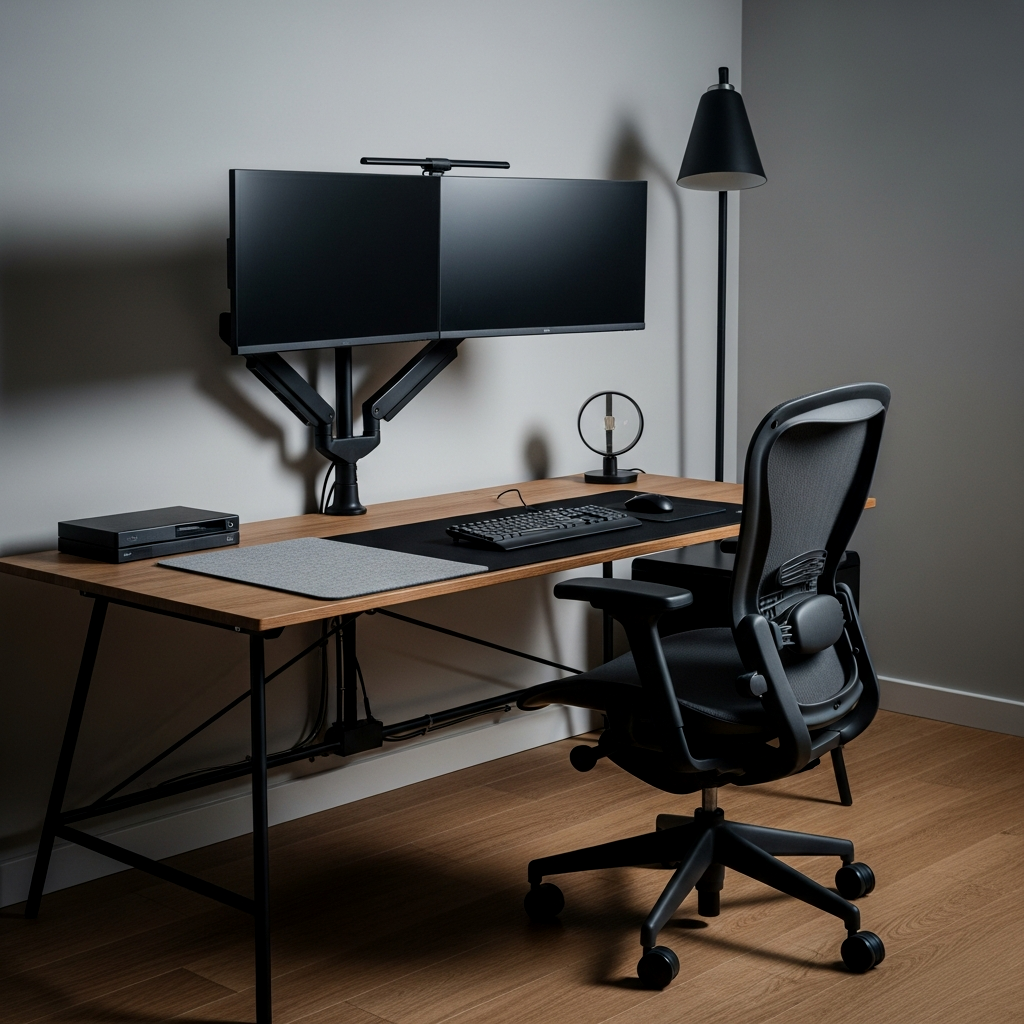
The most important part of any study room isn’t the computer—it’s the chair. You can’t focus if your spine is screaming. Forget those “gaming” chairs that look like race car seats; they offer terrible lumbar support. Go for a refurbished Herman Miller Aeron or an Autonomous ErgoChair. These are designed for eight-hour sessions and keep your posture locked in. Pair it with a solid desk height that allows your elbows to rest at a 90-degree angle. If you’re building a setup from scratch, check out The College Survival Kit: 15 Essential Men’s College Dorm Room Ideas for more on balancing comfort and utility.
Check local office liquidators for used Herman Miller or Steelcase chairs; you can often find $1,200 chairs for under $400 because a tech office went bust.
The Dual-Monitor Command Center
Screen real estate is a direct multiplier for productivity. A dual-monitor setup allows you to keep your primary task on one screen and your reference materials or code on the other. To keep this from looking cluttered, use a gas-spring dual monitor arm like those from Ergotron or Fully. Lifting the monitors off the desk surface clears up massive amounts of space for your keyboard and notebooks. It also allows you to align the screens perfectly at eye level, preventing neck strain during late-night grinds.
The Dark Mode Executive Station
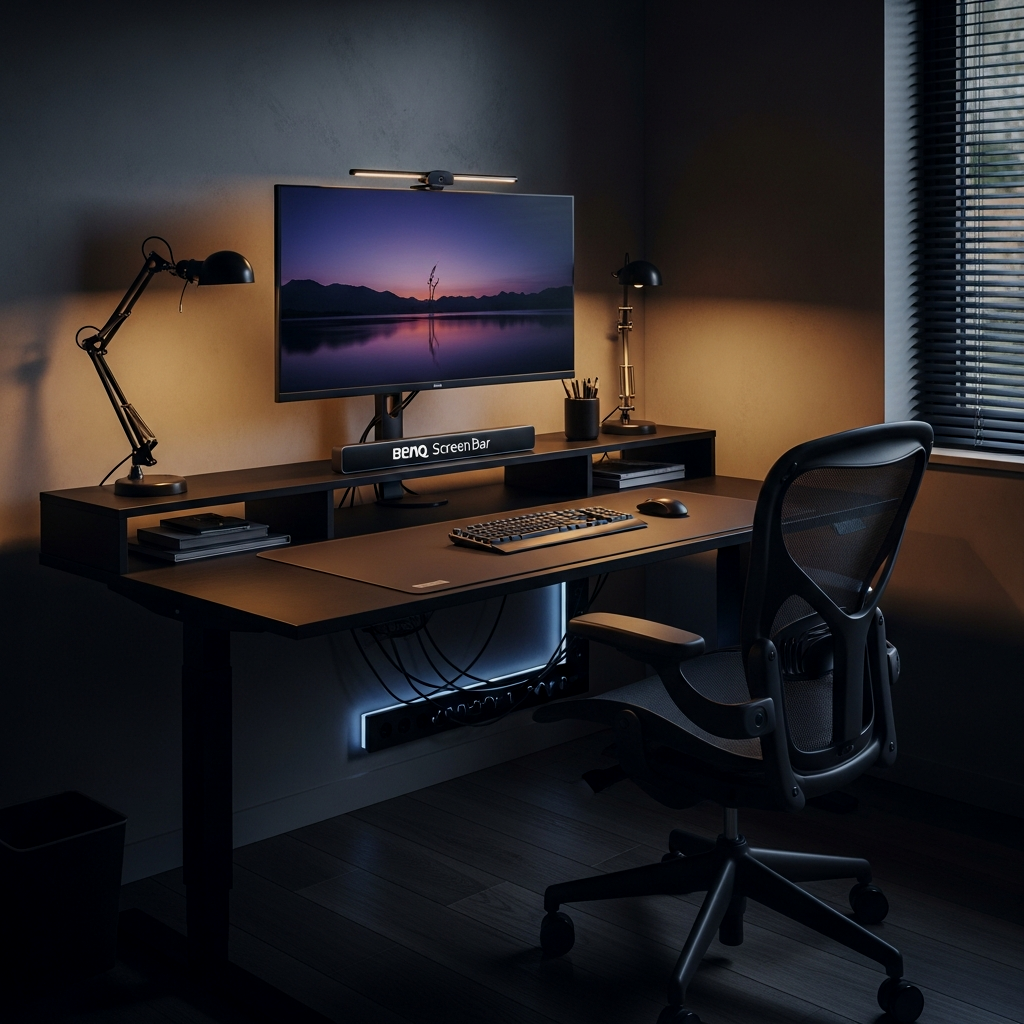
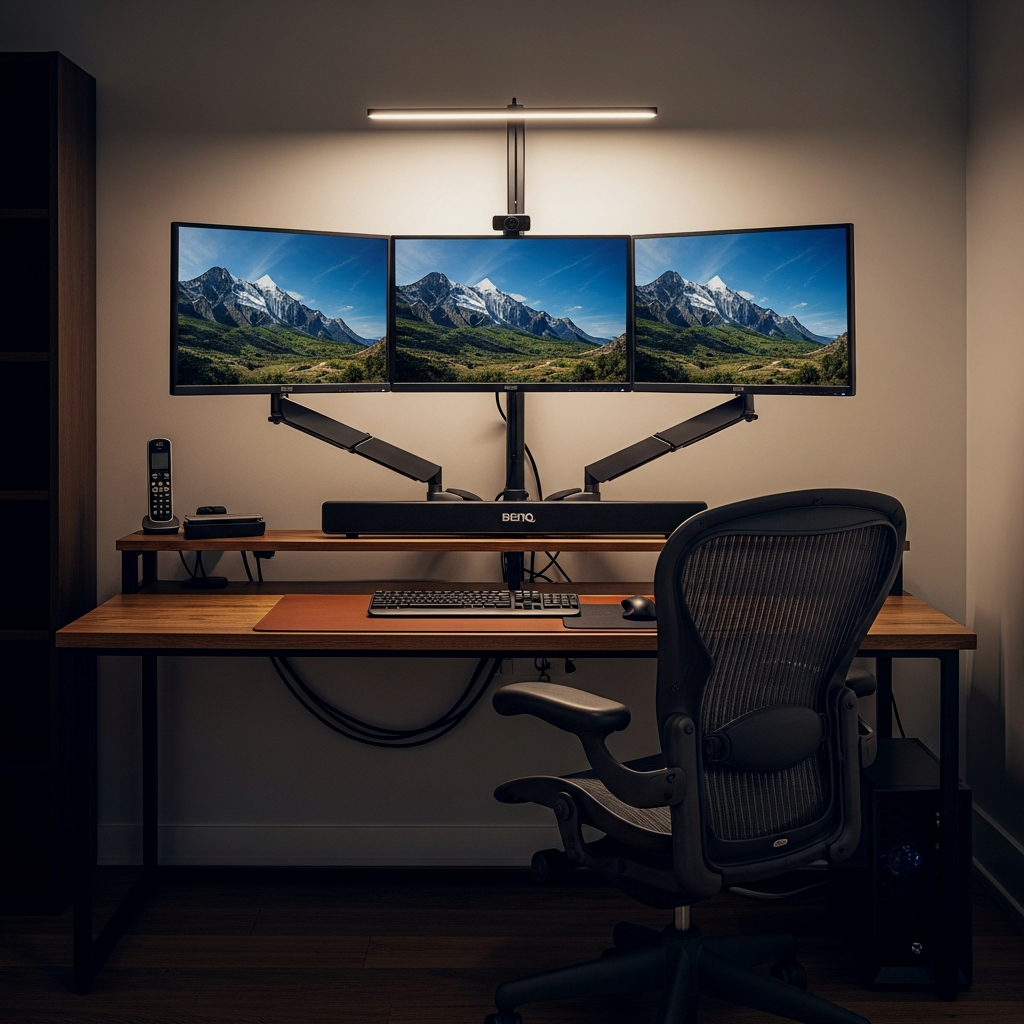
There is something about a dark, moody environment that signals the brain it’s time for deep work. If you have the freedom to paint, go with a deep charcoal like Sherwin-Williams ‘Iron Mountain’ or a matte black. Use a BenQ ScreenBar mounted on top of your monitor. It illuminates your workspace without causing glare on the screen, which is a game changer for eye fatigue. This setup feels premium and keeps the focus strictly on the illuminated work area, cutting out peripheral distractions.
The 80/20 Desk Rule: 80% of your desk surface should be completely clear. Only the 20% of items you touch every single day—keyboard, mouse, coffee, one notebook—should live on top.
Industrial Efficiency
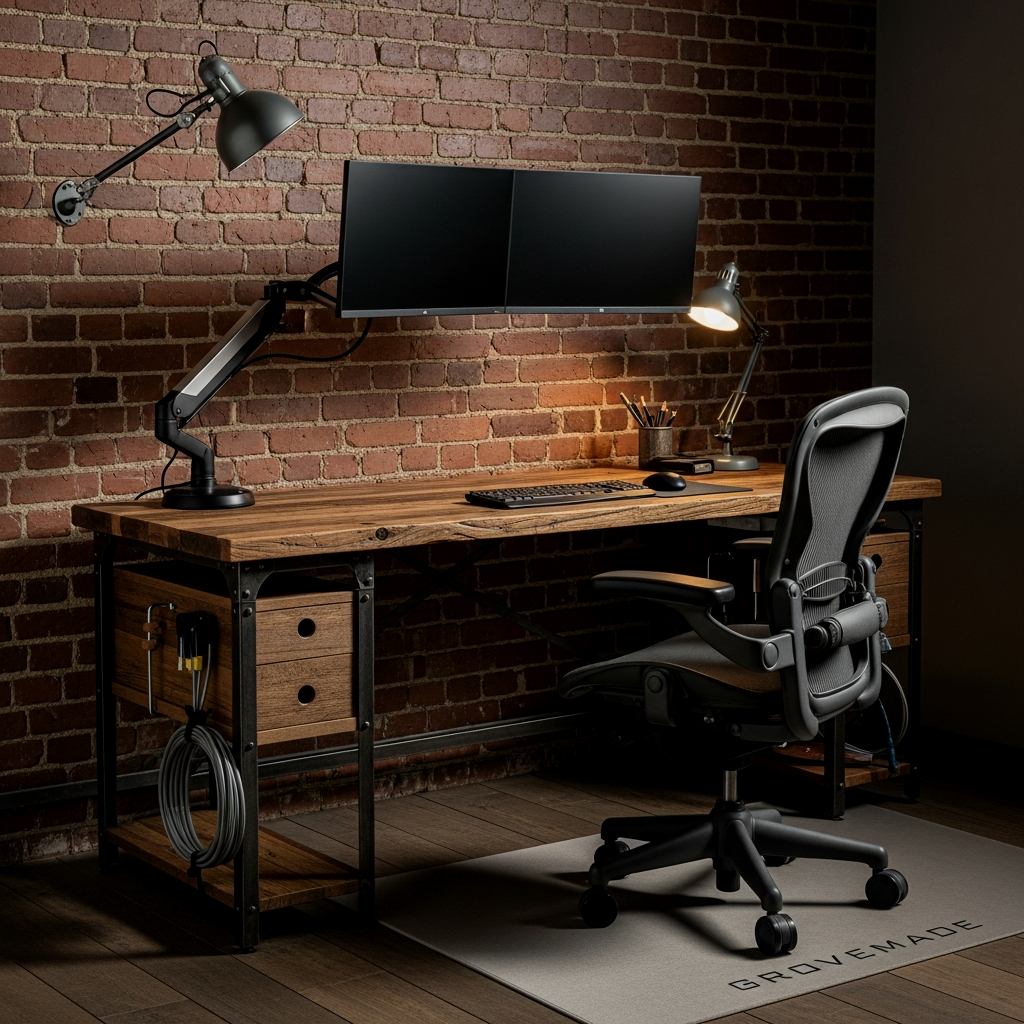
Industrial design is about raw materials and honesty. Use a heavy-duty butcher block top—the IKEA Karlby is a classic for a reason—and pair it with matte black steel legs or a standing desk frame. This look is rugged and can take a beating. Keep the accessories minimal: a solid brass pen rest or a heavy steel stapler. It’s a no-nonsense aesthetic that says you’re here to work, not to browse social media.
Apply a fresh coat of polyurethane to a butcher block desk every year to keep it water-resistant and looking like new.
The Minimalist Dorm Grind
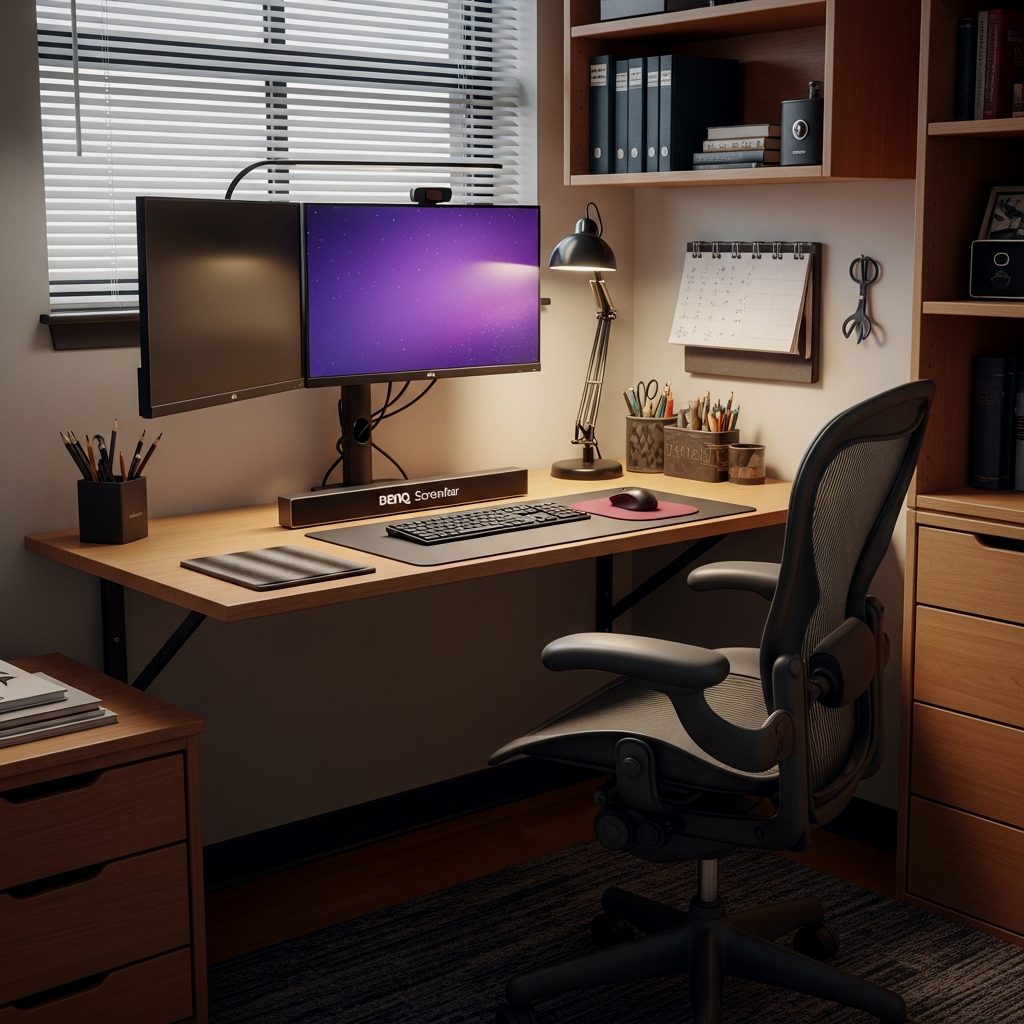
When space is tight, you have to be surgical. A small desk doesn’t have to be a cluttered desk. Use a felt desk mat from Grovemade to define your workspace and provide a soft texture for your hands. If you are struggling with a tiny footprint, reference Clean Lines: 15 Minimalist Men’s Dorm Room Ideas for tips on keeping the visual noise down. A single monitor and a high-quality laptop stand are all you really need to get the job done right without feeling cramped.
Scandinavian Productivity Suite
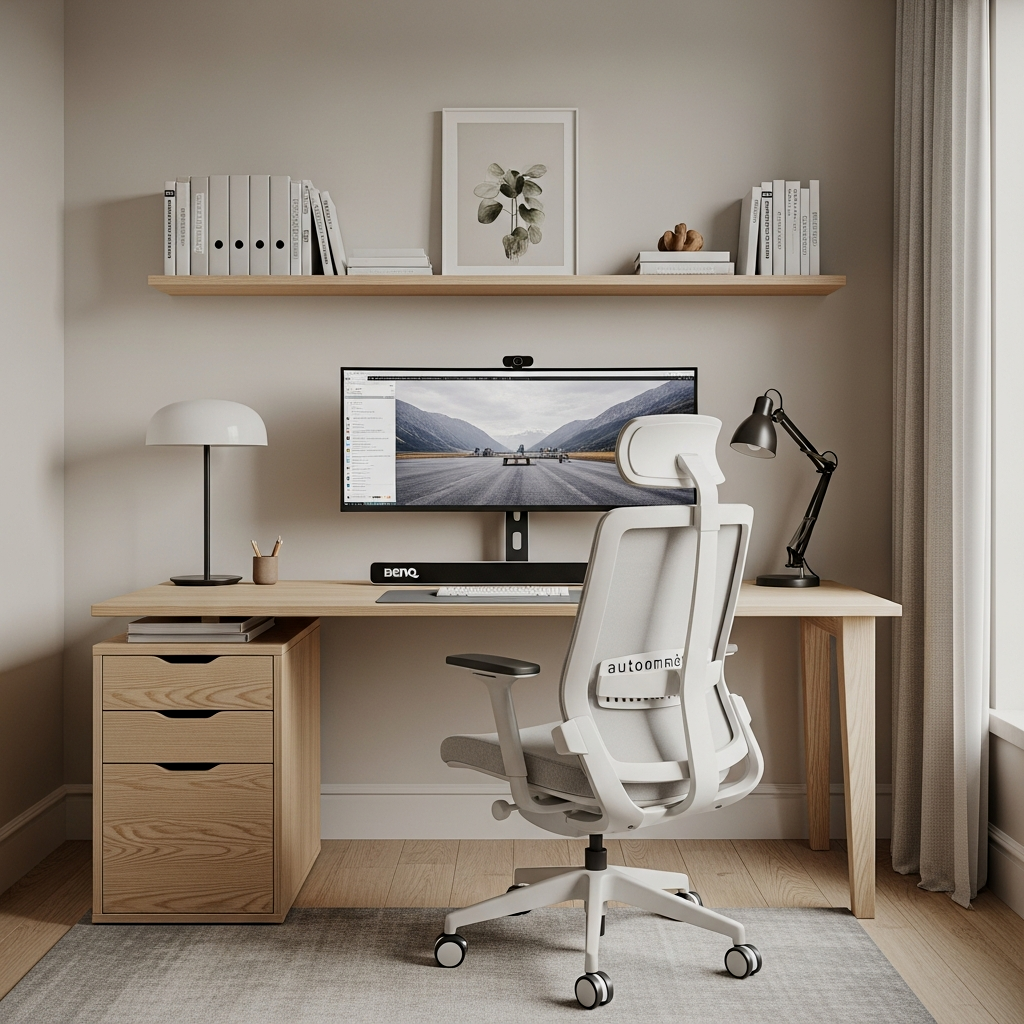
Scandinavian design focuses on light, wood, and functionality. Think light oak finishes and white accents. Use an IKEA Skadis pegboard on the wall to move your tools—headphones, cables, and pens—off the desk. This creates a “clean slate” feel every time you sit down. The goal here is a bright, airy environment that keeps your energy levels high during long afternoons. It’s a solid choice for anyone who feels stifled by dark, heavy furniture.
Use white cable sleeves to blend your wires into light-colored walls for a truly seamless Scandi look.
The Ultra-Wide Visionary
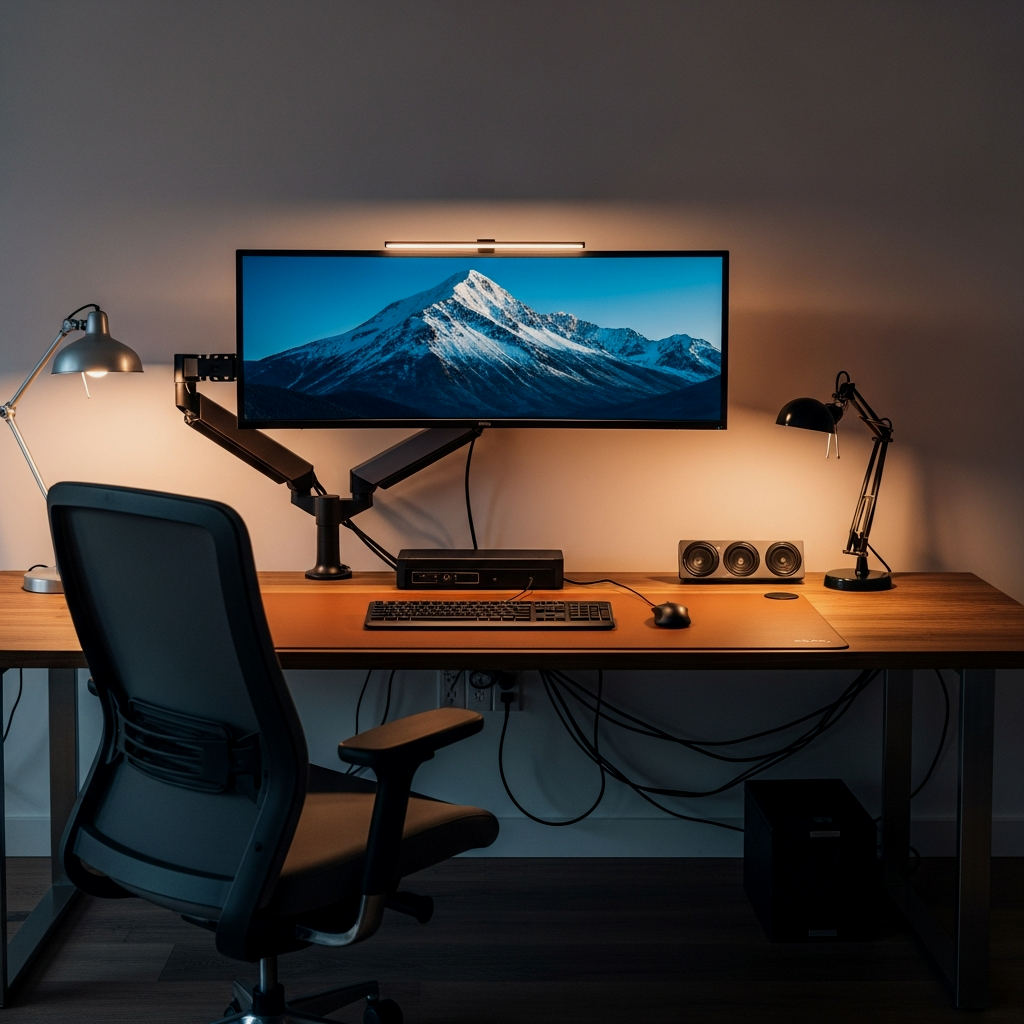
If you hate the bezel gap between two monitors, an ultra-wide (like the 49-inch Samsung Odyssey) is the ultimate move. It provides a massive, immersive canvas. This setup is particularly effective for video editors or developers who need to see long timelines or multiple windows side-by-side. Because the monitor is so heavy, you’ll need a reinforced desk—avoid thin particle board and go for solid wood or a metal-frame support.
The exact pieces that make these ideas work:
The Stealth Workstation
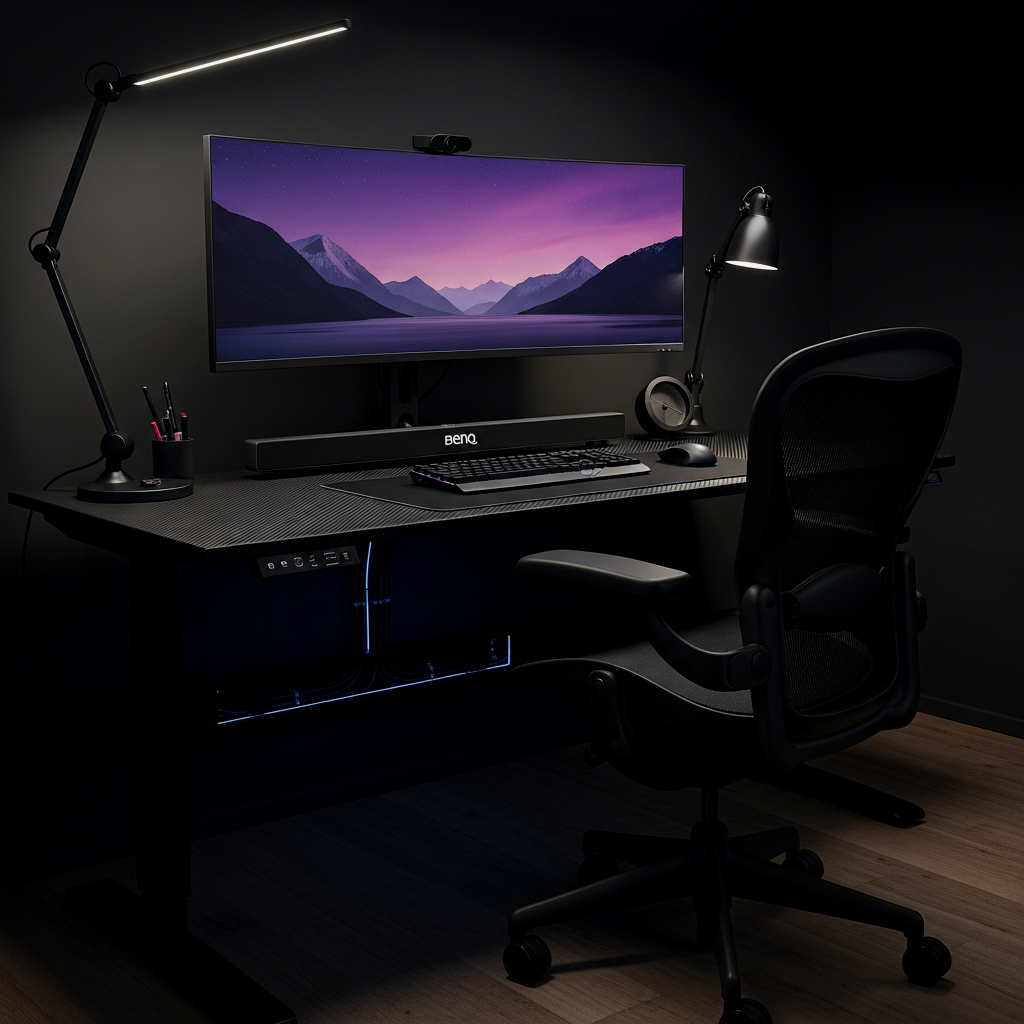
Messy wires are a mental distraction. A stealth workstation is all about cable management. Use J-channel raceways under the back of your desk to hide power strips and bricks. Use Velcro ties—never zip ties—to bundle your cables together. When you look at the desk from any angle, you shouldn’t see a single wire hanging. This creates a “floating” tech look that feels incredibly high-end and professional.
Mount your power strip directly to the underside of the desk using heavy-duty command strips to keep the floor completely clear for vacuuming.
Mid-Century Modern Study
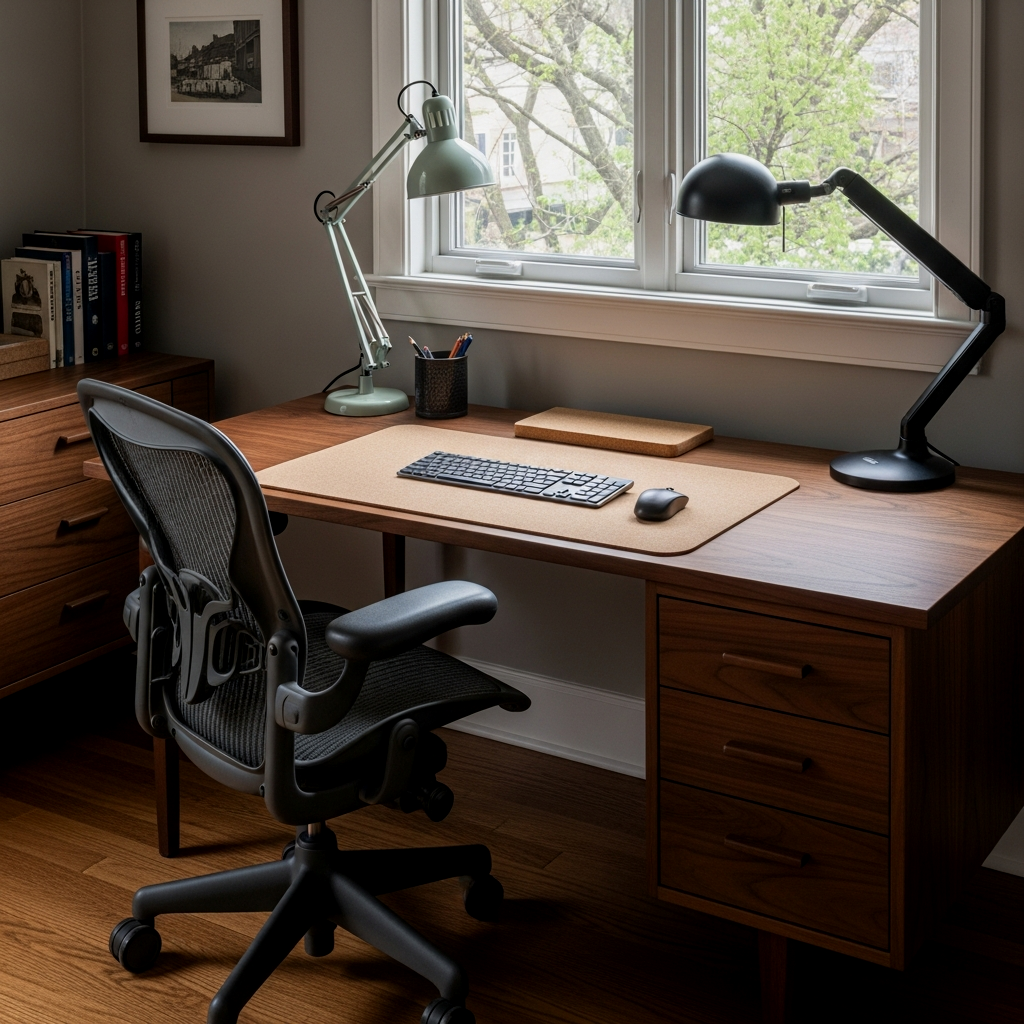
For a look that never goes out of style, go Mid-Century Modern. Look for desks with tapered legs and warm wood tones like walnut or acorn—West Elm has some great options here. This style works best with a leather desk mat and a brass task lamp. It’s a more “adult” look that transitions well from a student setup to a professional home office. It’s about clean lines and classic materials that feel solid and permanent.
The High-Rise Hustle
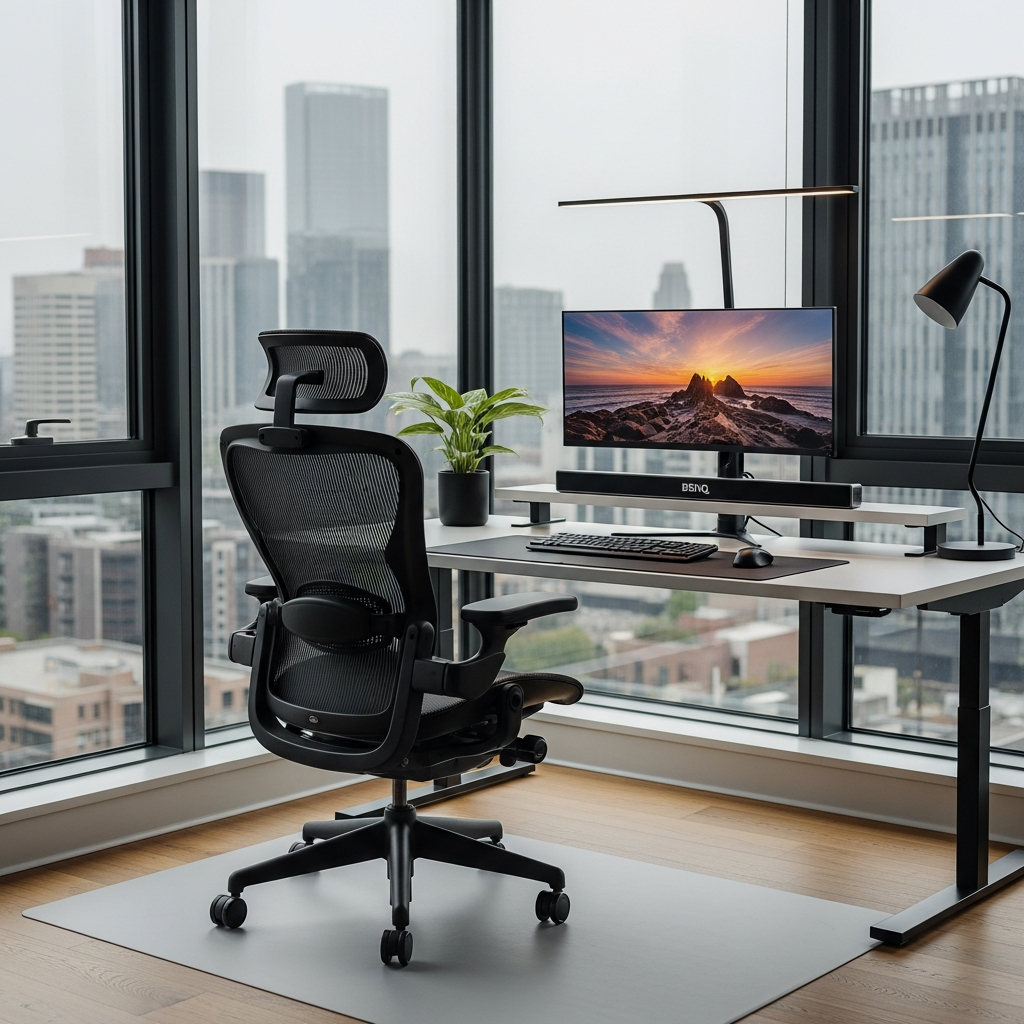
If you have a window, position your desk to face it or stay perpendicular to it. Natural light is a massive booster for mood and alertness. This setup is about sleek, glass or polished metal surfaces that reflect light. Keep the desk accessories minimal to avoid competing with the view. A simple, high-quality laptop stand and a set of noise-canceling headphones (like Sony WH-1000XM5) are the core tools here.
If you face a window, use a sheer linen curtain to diffuse harsh sunlight so you don’t get screen glare or squint while working.
The Concrete Lab
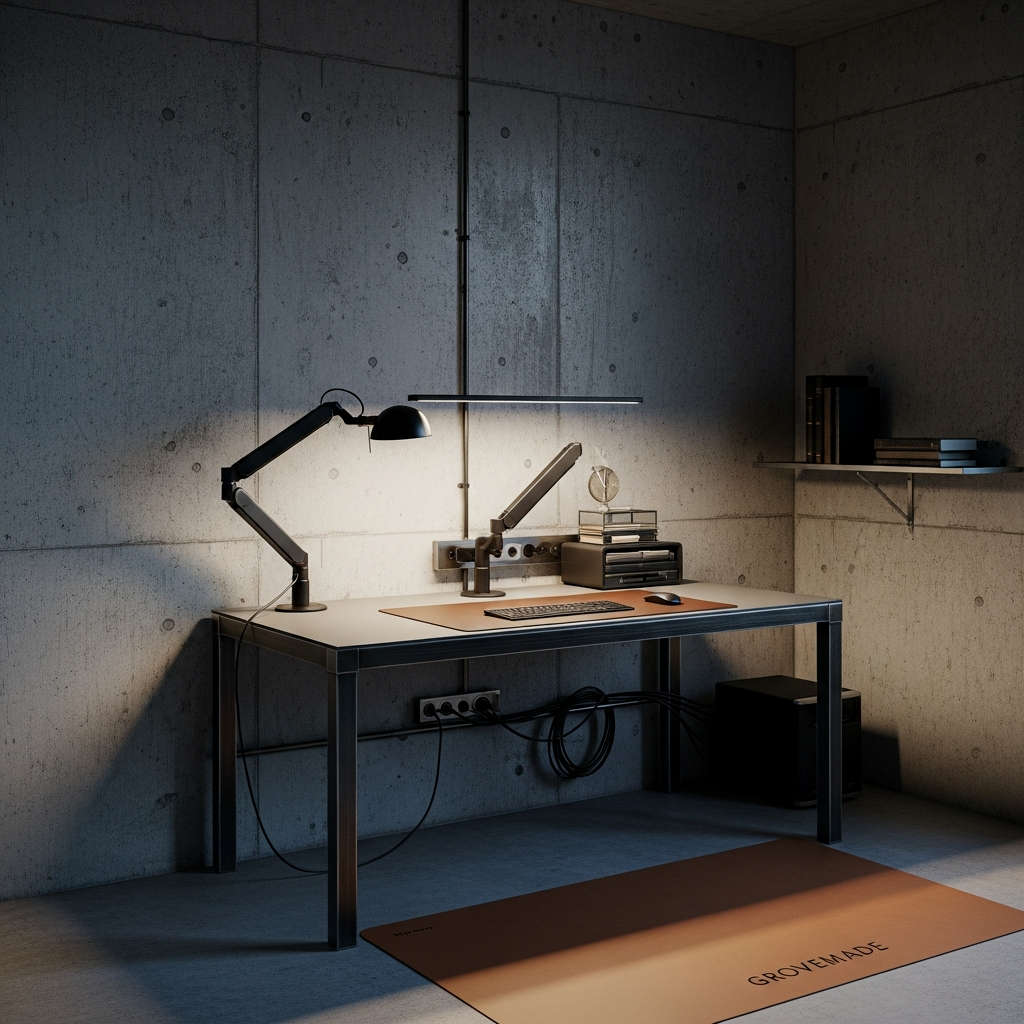
For a brutalist, ultra-modern vibe, a concrete-topped desk is a heavy-duty statement. It’s cool to the touch and incredibly stable. Pair it with an industrial-style chair and grey-toned accessories. This setup is perfect for someone who wants a rugged, indestructible feel. Since concrete can be cold, ensure you have a large felt mat where your arms rest to keep things comfortable for long sessions.
To get the ‘Concrete Lab’ look without the weight of actual concrete, use an IKEA Ekbacken countertop in light grey concrete effect. It’s a fraction of the cost and weight but looks identical from two feet away.
The Creative Developer Station
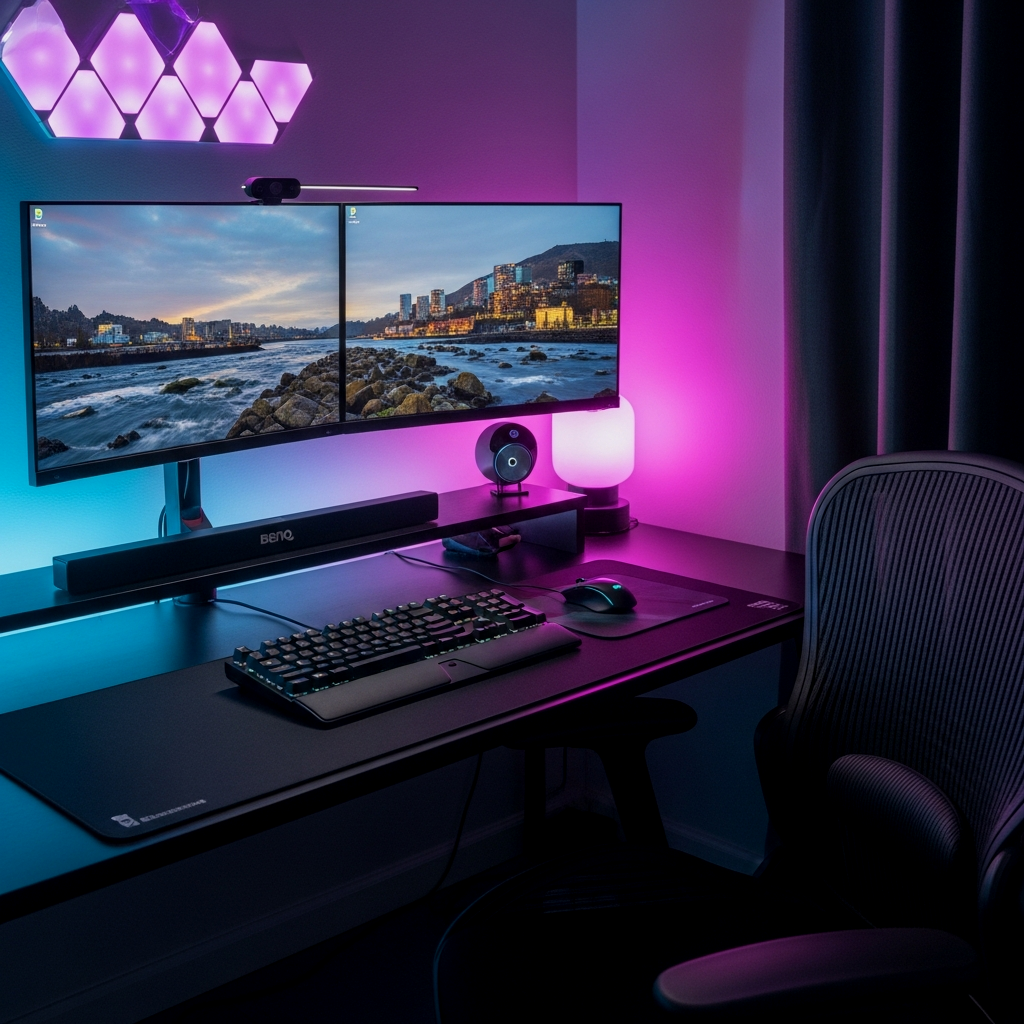
Developers and creatives often need a specific tactile experience. This setup centers around a high-quality mechanical keyboard (like a Keychron Q series) and a precision mouse like the Logitech MX Master 3S. Add a dedicated “focus” light—maybe a neon sign or a Phillips Hue strip behind the desk—to set a specific color for deep-work mode. When the lights turn blue or orange, your brain knows it’s time to code.
Use a coiled aviator cable for your mechanical keyboard to add a high-end, custom look to your cable management.
The Academic Fortress
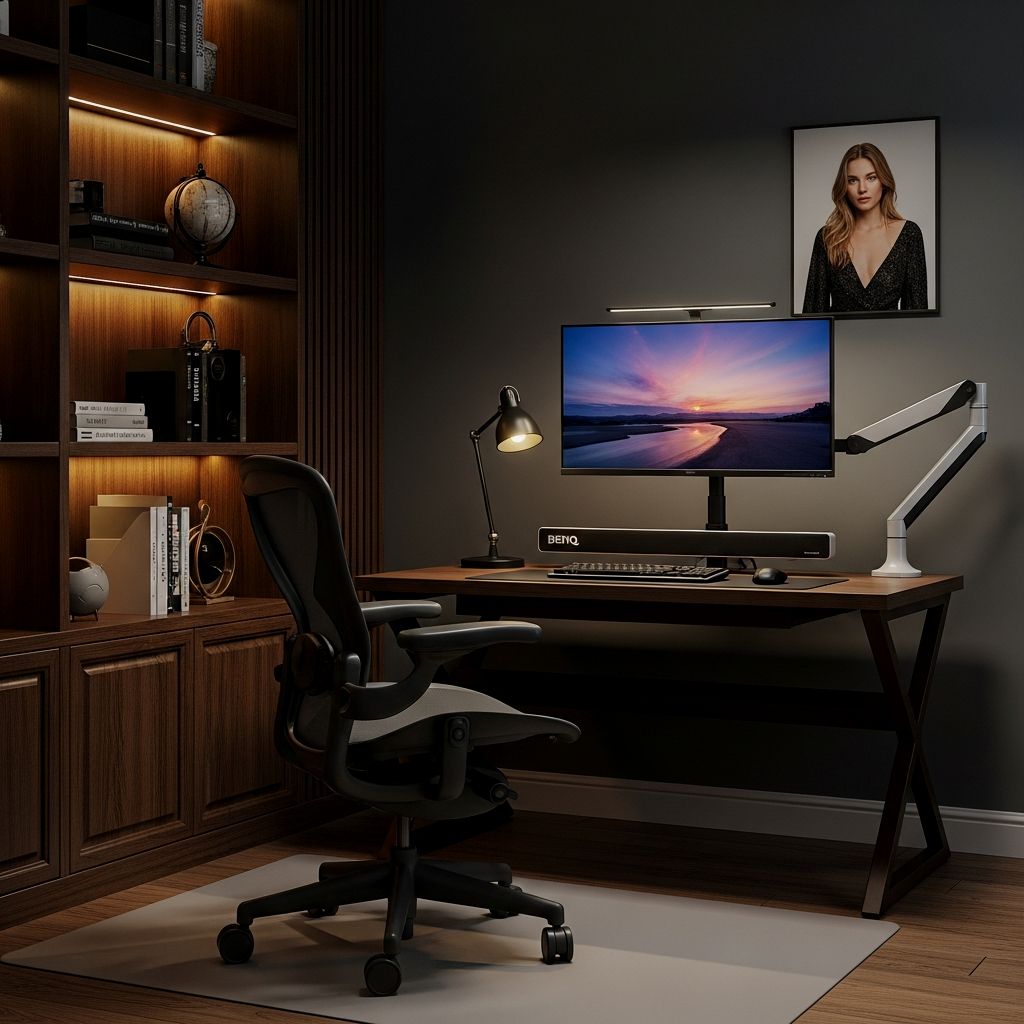
If your work involves heavy reading and physical books, you need the Academic Fortress. This means a wide desk with flanking bookshelves like the IKEA Billy series. The key here is organization; use vertical file holders to keep papers from stacking up. If you’re looking for ways to keep a library-style setup from becoming a mess, see Small Space Storage: 12 Ways to Organize a Guy’s Dorm Room for shelf-management hacks. It’s about creating a perimeter of knowledge that keeps you focused on the task at hand.
The Zen Productivity Zone
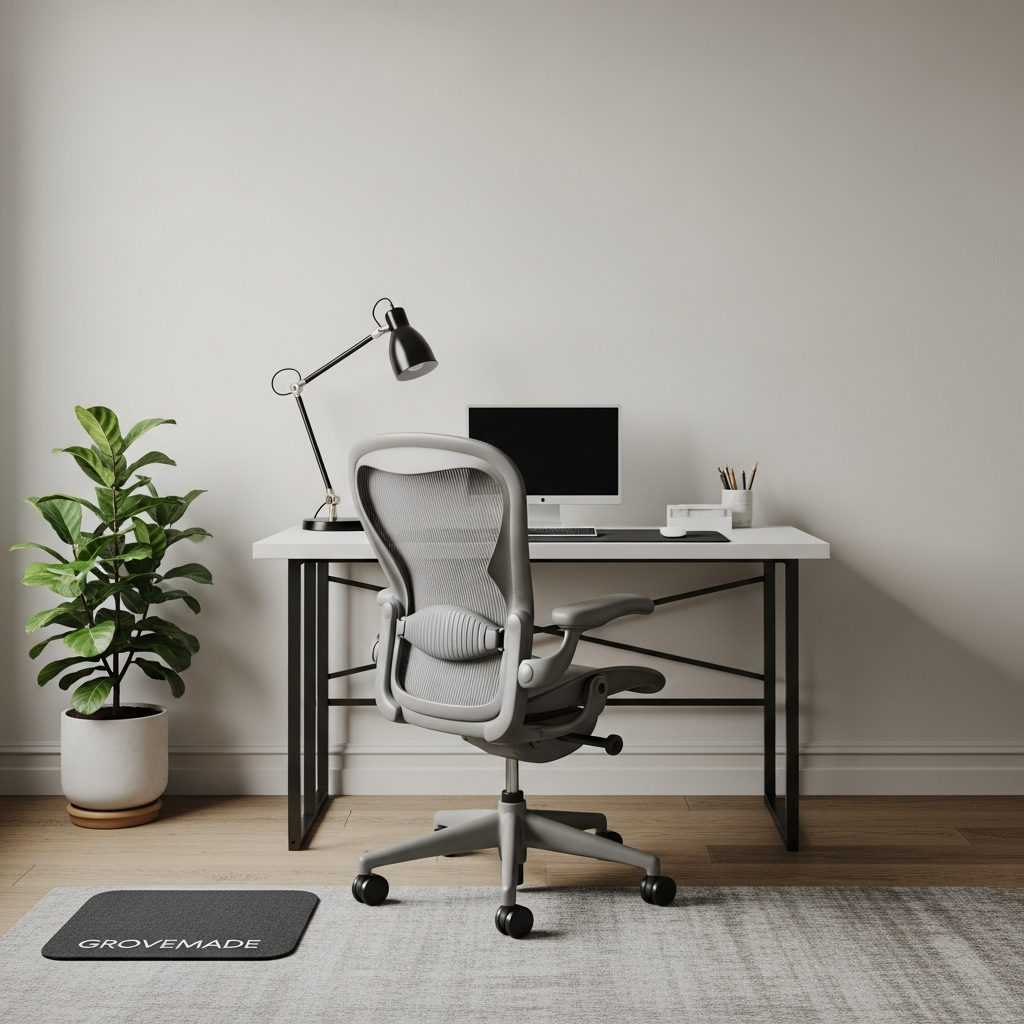
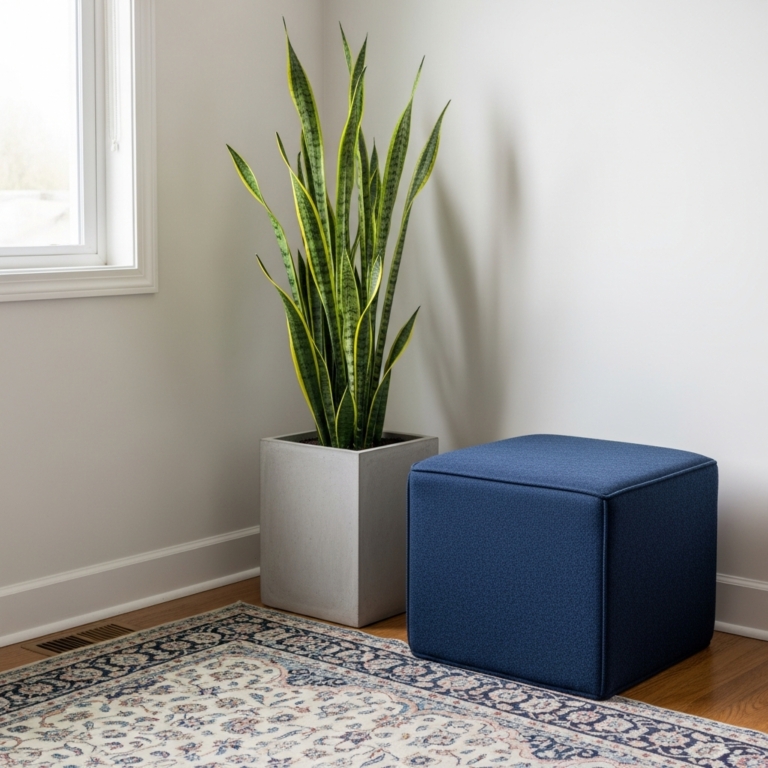
Productivity doesn’t always mean high-tech. The Zen zone uses natural materials like bamboo, linen, and stone. Incorporate a small snake plant—they’re almost impossible to kill and they clean the air. Use a neutral color palette like Benjamin Moore ‘Alabaster’ for the walls. This setup is designed to keep your heart rate low and your stress levels managed, which is essential for tackling high-pressure projects.
📏 The Grind Station: 15 Men’s Study Room Ideas for Peak Productivity Quick-Win Checklist
- Chair Check: Does it have adjustable lumbar and armrests?
- Monitor Height: Is the top third of the screen at eye level?
- Lighting: Do you have a dedicated task light to prevent squinting?
- Cable Control: Are all wires tucked into a raceway or bundled with Velcro?
- Surface: Is 80% of the desk clear of non-essential items?
The Ultimate Pro Setup
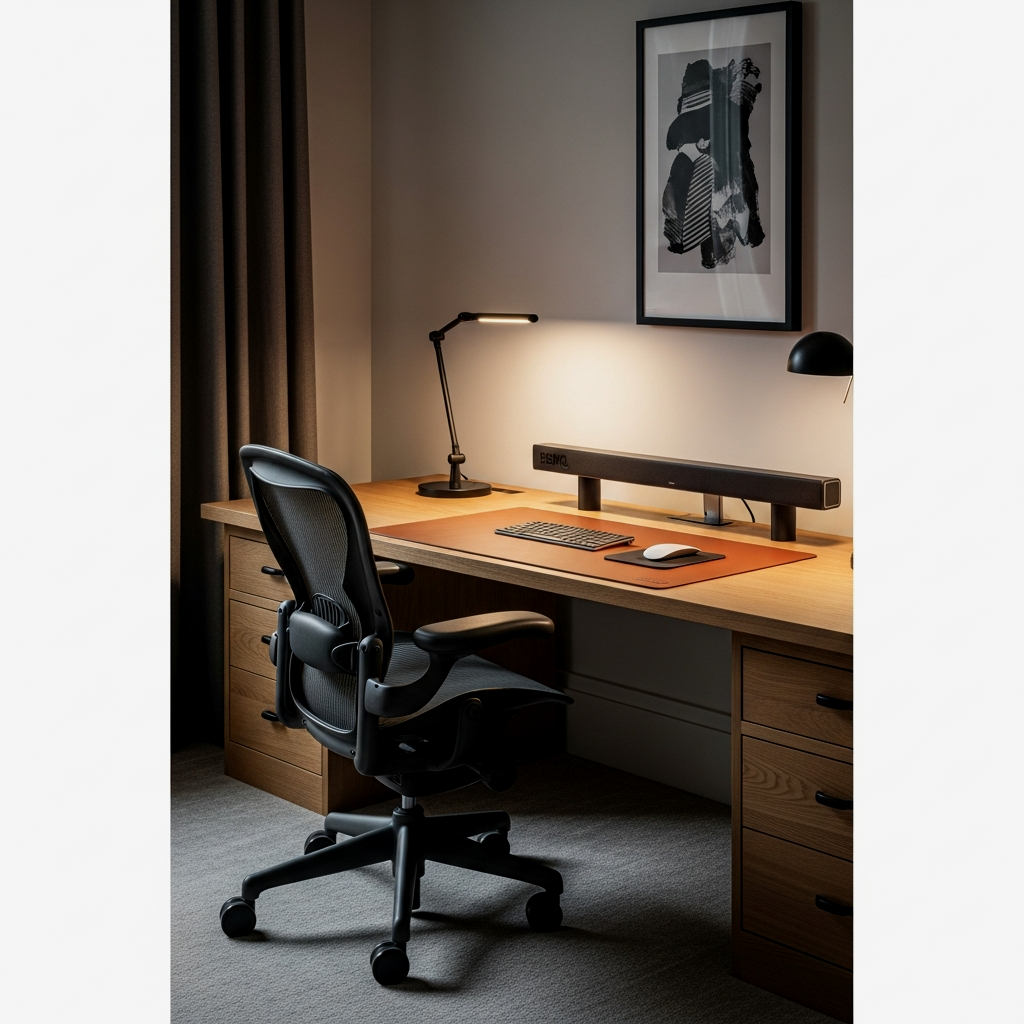
The ultimate setup combines all the best elements: a standing desk frame for movement, a top-tier ergonomic chair, dual monitors on adjustable arms, and a perfectly managed cable system. This is the goal. It’s an investment in your career and your health. When you do it right the first time, you don’t have to keep fixing it. You just sit down, hit the power button, and get to work.
Add a small wireless charging pad under your desk mat or mounted to the desk surface so your phone stays charged without adding another visible wire.
Building a grind station is about respecting the work you do. If you treat your study area like a pro, you’ll start producing like one. Don’t overthink the decor—focus on the function, the ergonomics, and the organization. Once you have the desk sorted, remember that it’s just one piece of the puzzle. Head back over to The Ultimate Guide to Men’s Dorm Room Ideas: A Practical Blueprint to see how to integrate your workstation into a cohesive, high-performance living space. Keep it simple, do it right, and get back to the grind.
Frequently Asked Questions
What is the best desk height for productivity?
For most men, a desk height of 28 to 30 inches is standard, but the real metric is your elbow position. Your desk should be at a height where your forearms are parallel to the floor while your shoulders are relaxed. A height-adjustable standing desk is the best way to dial this in perfectly.
Should I get a leather or felt desk mat?
Leather is better for a smooth mouse glide and easy cleaning if you spill coffee. Felt, like the ones from Grovemade, offers more warmth and a premium aesthetic but requires a bit more care. If you do a lot of writing on paper, leather provides a firmer, better surface.
Are standing desks actually worth the money?
Yes, but not because you should stand all day. The real value is being able to adjust the height by half an inch to match your chair perfectly, and the ability to stand for 15-20 minutes every hour to keep your blood flowing and prevent the afternoon slump.
How do I stop my cables from tangling?
Stop using zip ties and start using Velcro ties. They are reusable and don’t damage the cables. Use a J-channel raceway or a cable tray mounted to the underside of your desk to house the “rat’s nest” of power bricks and long cords.
Do I really need a monitor arm?
If you care about desk space and ergonomics, yes. Stock monitor stands take up a huge footprint and rarely go high enough to prevent neck strain. A gas-spring arm allows you to push the monitor back or pull it forward depending on the task, keeping your desk clear.